Troubleshooting guide
Zigbee2MQTT Device Pairs but Stops Responding: Fix the Silent Drop-Off
Category: Smart Home
You paired a new Zigbee device, it appeared in Zigbee2MQTT, and then it went silent after a short time. That pattern usually means the join succeeded but the device is not staying reachable on the mesh, so the next step is a controlled check rather than another pairing attempt.
Confirm the device state first
Open the device in Zigbee2MQTT and check the last seen timestamp and link quality. If last seen is older than your reporting interval and link quality is low or zero, the device is not reaching the coordinator. If last seen is recent but state values are stale, the device is reporting but the payload is not changing, which points to a device-side reporting setting.
Check the physical link
Move the device within two metres of the coordinator and trigger a state change. If it starts reporting again, the original position had a weak route. If it stays silent at close range, the problem is not distance. Replace the battery even if it is new, then re-trigger a state change and watch the last seen timestamp update.
Rule out the coordinator and network
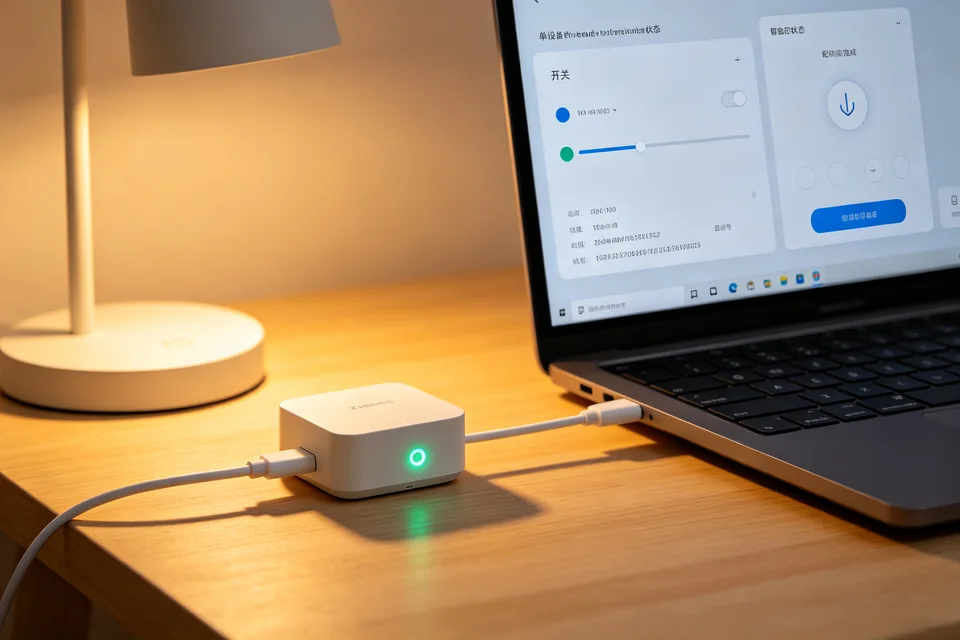
Check that the USB coordinator is on an extension cable away from the host and that the Zigbee channel does not overlap your Wi-Fi. Restart Zigbee2MQTT once and confirm the device reconnects without re-pairing. A device that only returns after a restart is a zigbee2mqtt device not responding symptom tied to the coordinator link, not the device itself.
Verification test
Trigger a physical state change every minute for five minutes. The last seen timestamp should update each time and the state should change in the UI. If it does, the fix holds.
Rollback note
If the device worked before a firmware or Zigbee2MQTT update, restore the previous version and re-test before changing anything else. If these checks do not restore reporting,
Ask for help with your logs and last seen values.