Troubleshooting guide
Zigbee2MQTT Permit Join: When the New Device Never Appears
Category: Smart Home
You started permit join in Zigbee2MQTT, but your new Zigbee device never shows up in the devices list. Let’s walk through this calmly and find the break in the chain.
Confirm permit join is actually active
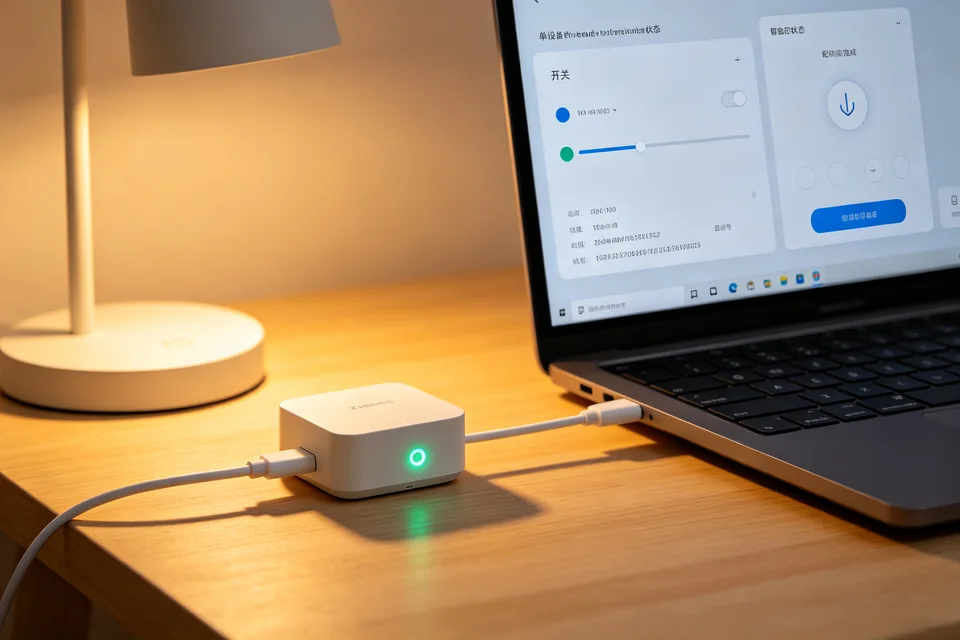
Open the Zigbee2MQTT frontend and check that the permit join countdown is visibly running. If the countdown expired, restart it and keep the window open while you work. Also confirm your USB coordinator is online: in the frontend, the coordinator status should show as connected, not offline or error. If it is offline, stop here and fix the coordinator connection first.
Check the device is in pairing mode
Most devices need a long press or a specific button sequence to enter pairing mode. A brief press is often not enough. Watch for a blinking LED or a confirmation flash. If you see no visual sign, remove and reinsert the battery, then repeat the manufacturer’s pairing sequence. Place the device within a few meters of the coordinator during this test.
Rule out network and interference issues
Bring the device close to the coordinator and try again. If it pairs at close range but not at its final location, the problem is range or interference, not permit join. Also check that your Zigbee channel is not overlapping a busy Wi-Fi channel; channels 11, 15, 20, and 25 are common choices.
Verification test
With permit join active and the device blinking in pairing mode, watch the Zigbee2MQTT log. A successful join shows an incoming device announcement and an interview starting. If the log stays silent for two minutes, the coordinator is not receiving the device’s join request.
Rollback and recovery
If you changed channel or coordinator settings during diagnosis, revert them and restart Zigbee2MQTT before retesting. If the device still never appears,
Ask for help with your log excerpt and device model.
Remember: zigbee2mqtt permit join only opens the network; it cannot compensate for a device that never transmits a join request.